Audio in, MIDI out, your instrument.
AUTUMI turns audio into MIDI, inside your DAW. Drums, bass, guitars, keys, synths and whole mixes.
One plug-in for any DAW, running on your Mac. Drag the audio in, drag the MIDI out.
Audio in: Dedicated engines for drums, bass, guitars, keys and synths, and a MIDI Rack that listens to a whole mix and sorts it into up to nine instrument lanes. AUTUMI tells kick from snare and bass from guitar, so you don't have to.
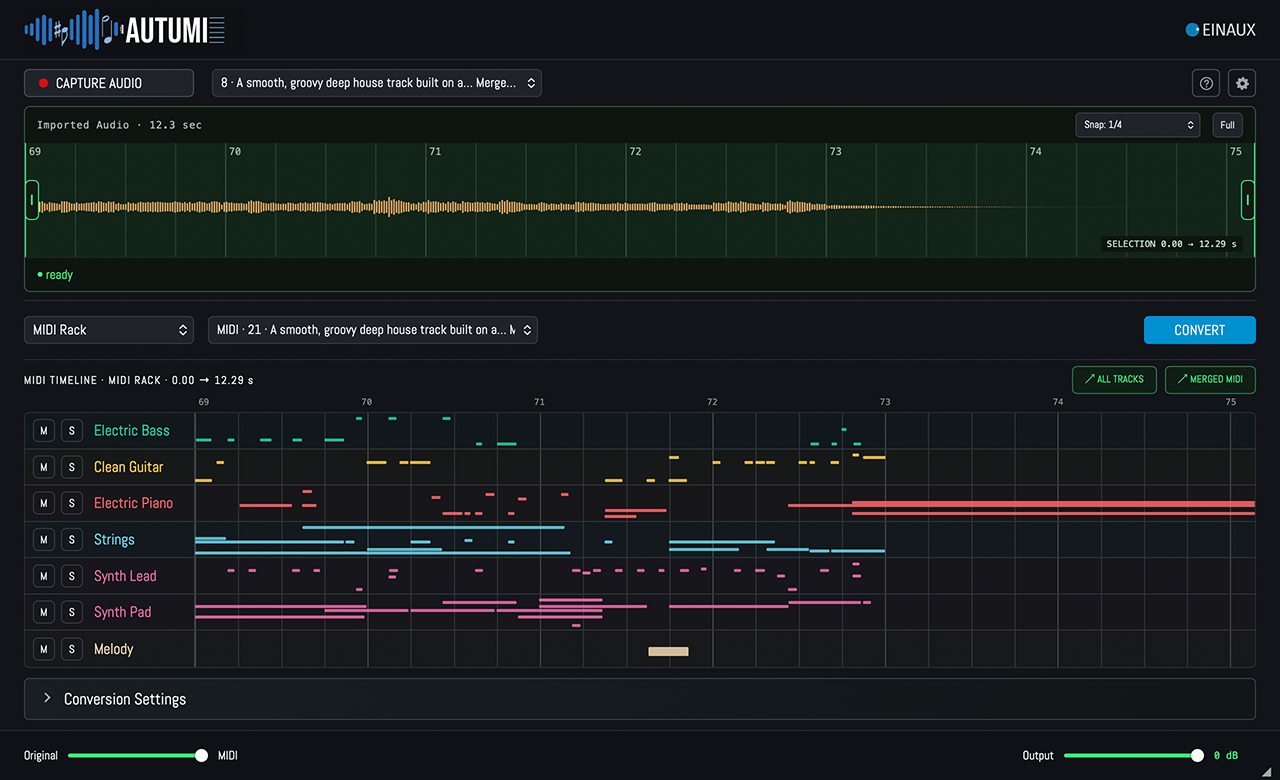
MIDI out: Drag a region from your timeline onto AUTUMI and the notes appear, aligned to your bars, in seconds. No upload, no download, no second app, no terminal. Everything runs on your Mac, and your audio never leaves it.
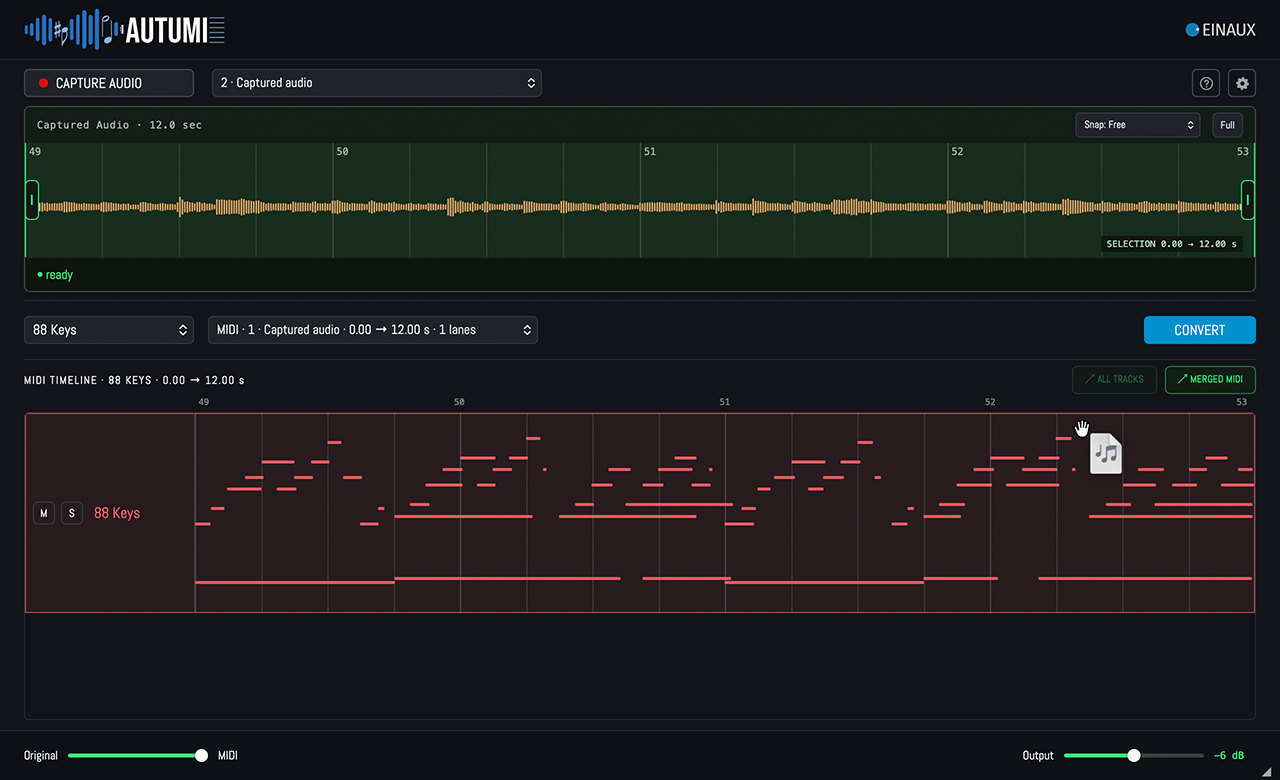
Your instrument: One plug-in, any DAW. Listen to the result before you commit, then drag one lane, all lanes or a merged file into your arrangement to make it yours.
Get AUTUMI free!
For a limited time, every ACENTAUR purchase during the promo includes AUTUMI. Your AUTUMI license will be deposited in your account right after the purchase..
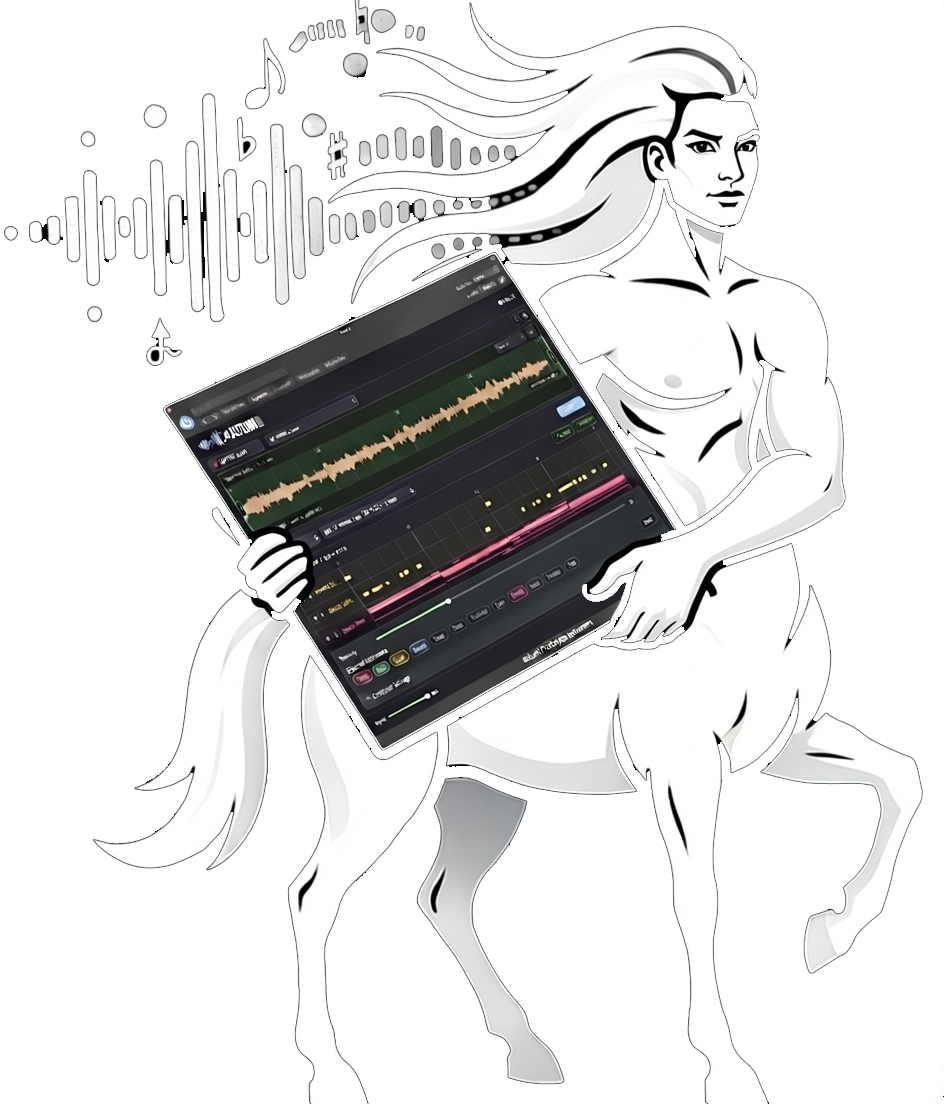
1. Give AUTUMI the audio.
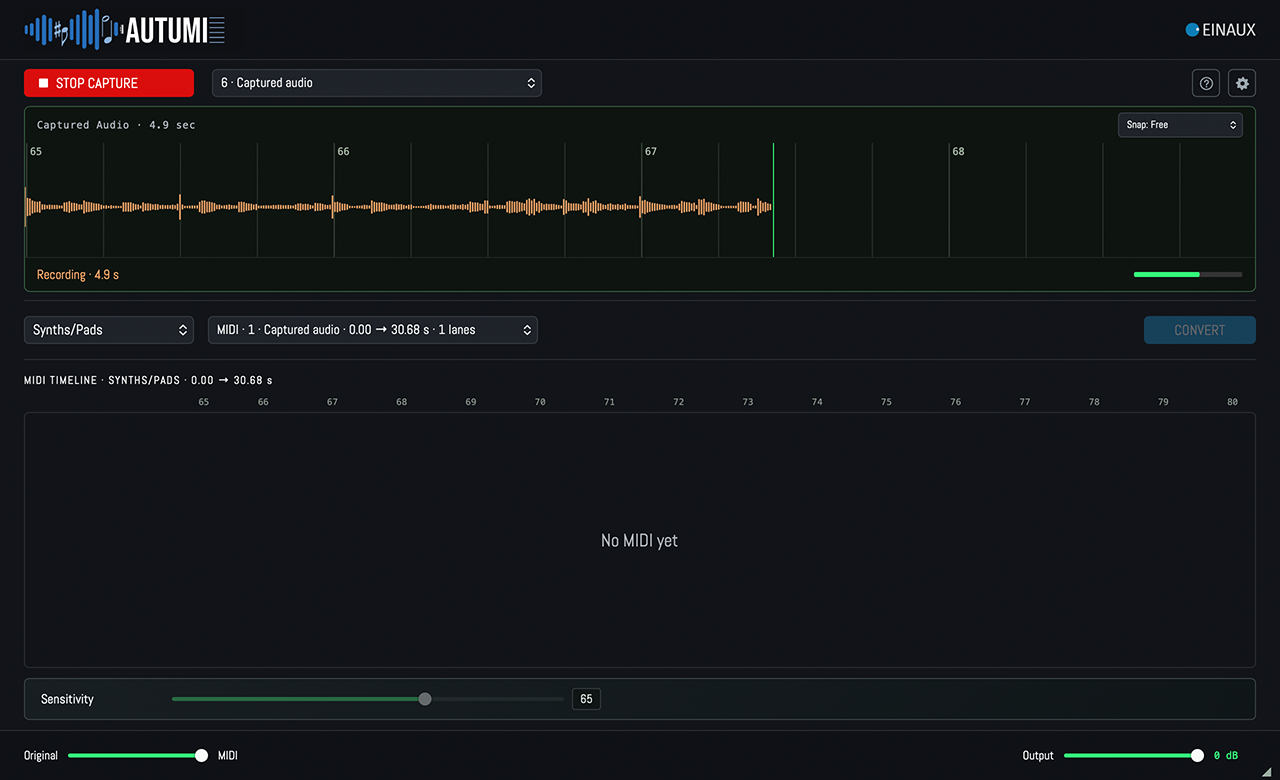
Drag a region straight from the timeline, drop a file from the Finder, or press Capture and play the track. Choose the mode that fits the material.
How it works
2. Check what it found.
AUTUMI shows the source waveform and the detected notes underneath, bar by bar in your project's tempo. Play the original, the MIDI, or a blend of both with the built-in sound generator. Mute and solo lanes, rename them, pick the range you want.
3. Drag the MIDI home.
One lane, all lanes as separate tracks, or everything merged into a single file. Drums land on channel 10, ready for your drum instrument. Your favourite software instruments take it from there.
Detection Modes
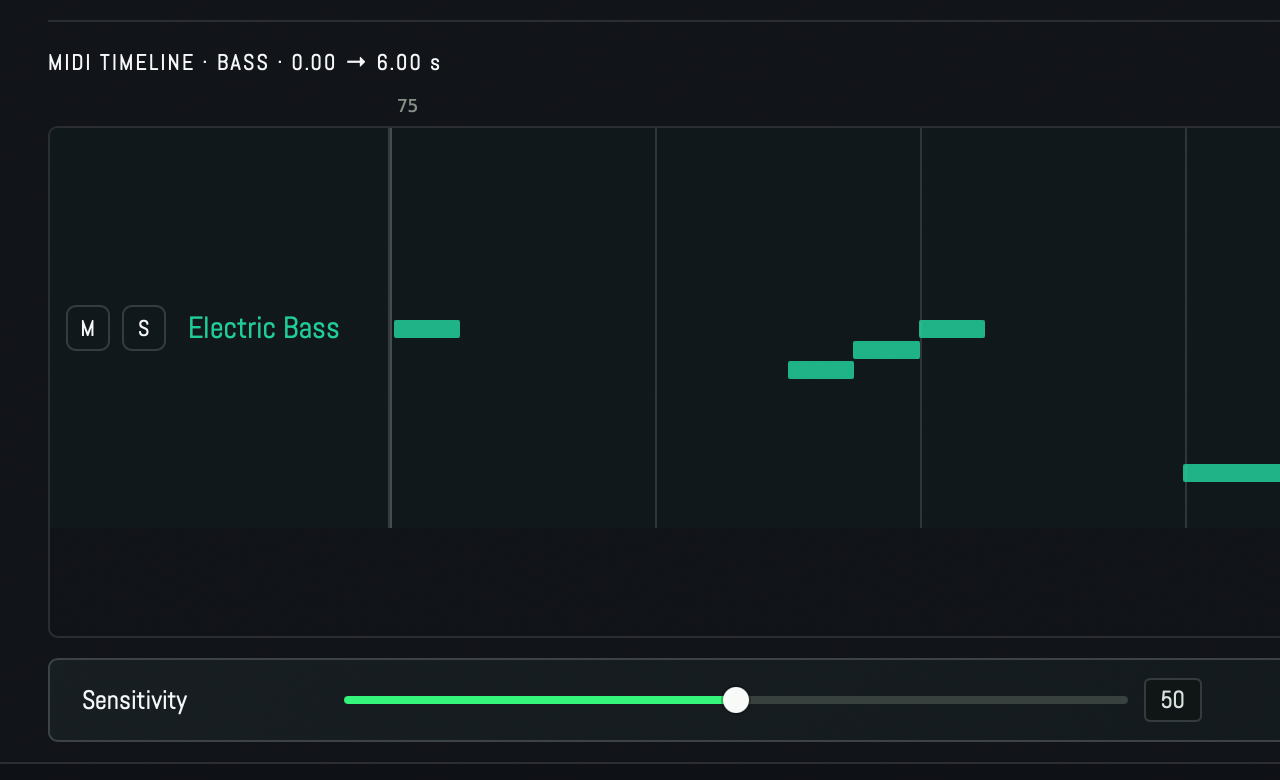
Bass: For an isolated bass track. Note-accurate MIDI for basslines.
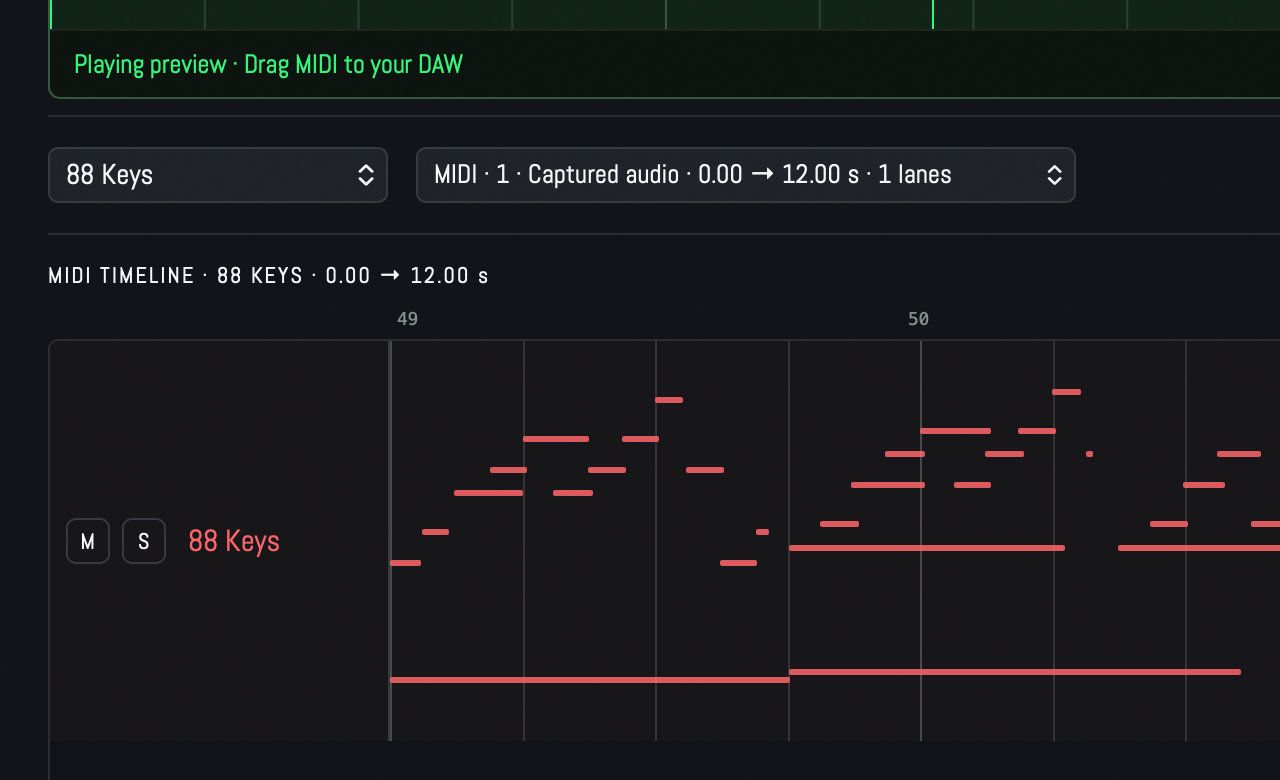
88 Keys: For piano, grand piano and electric piano.
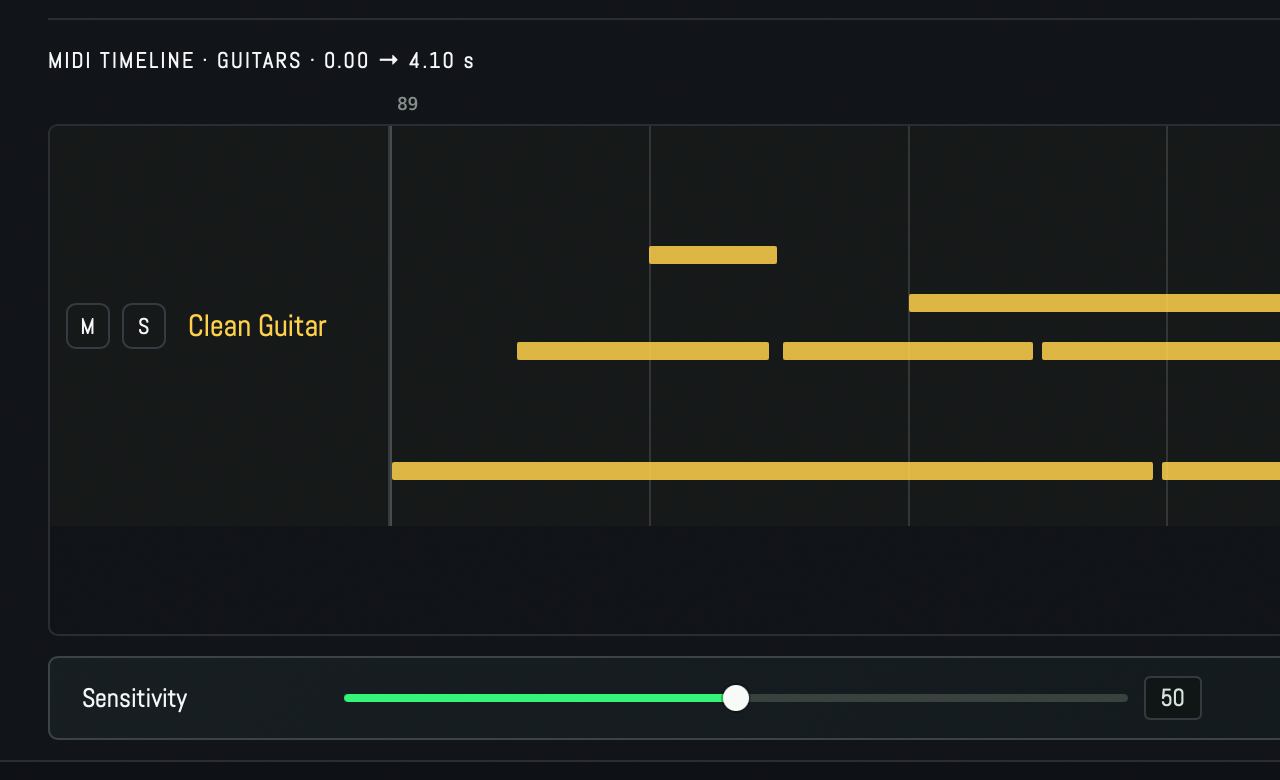
Guitars: For an isolated guitar track, single notes and chords.
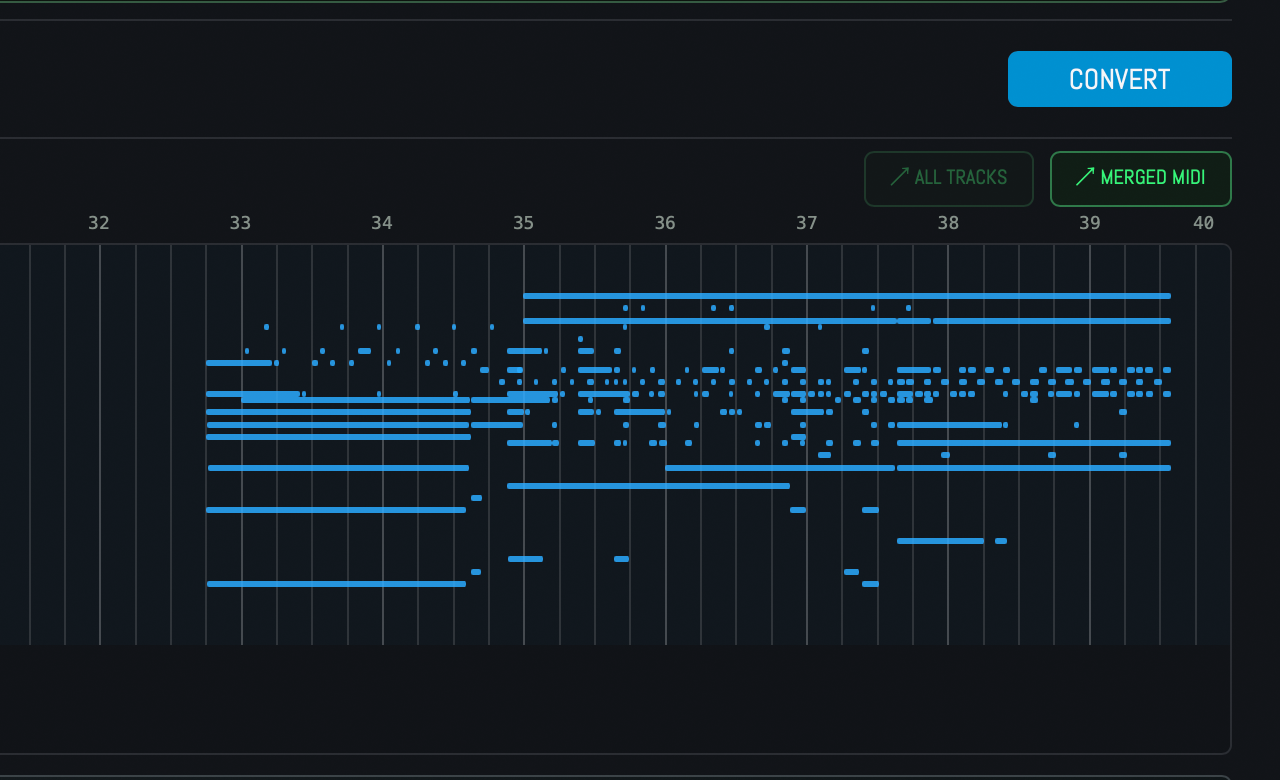
Synths / Pads: For synths, arpeggios, stabs and pads.
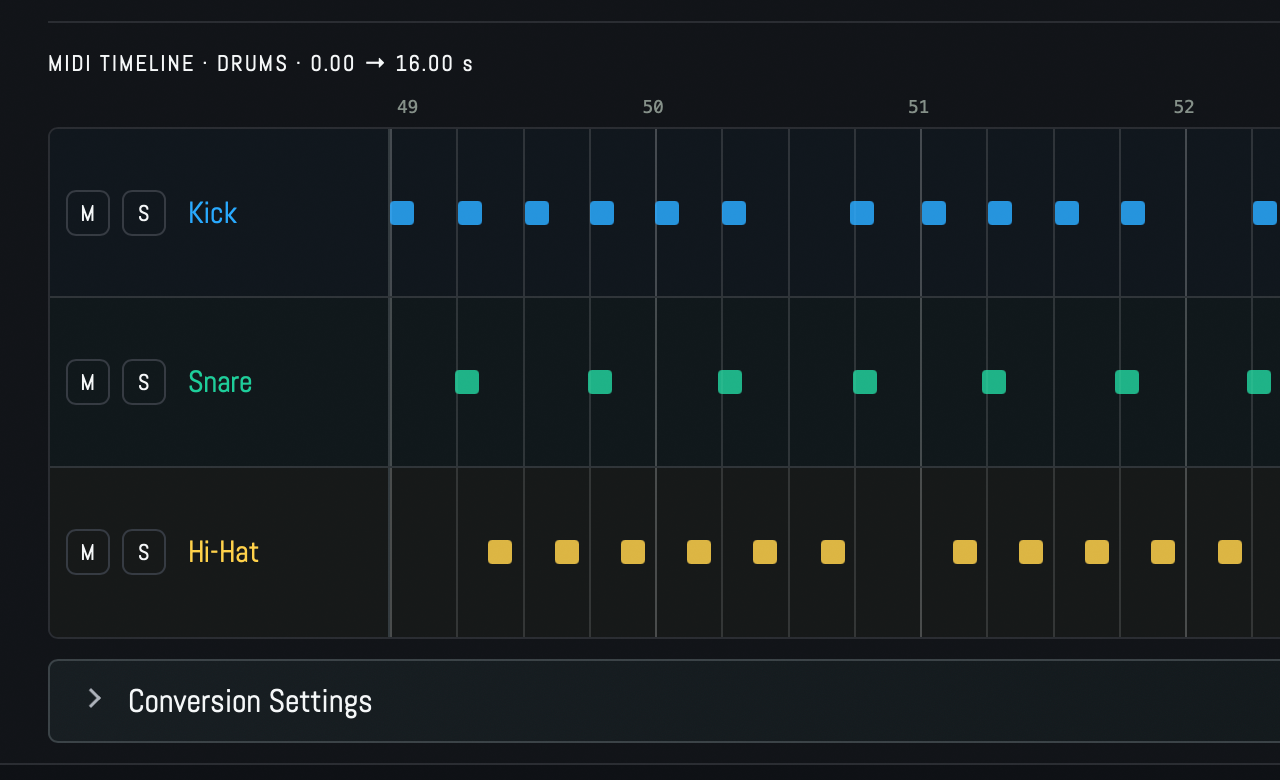
Drums: For an isolated drum track. Hits with timing, drum group and velocity, on MIDI channel 10, so any drum kit picks them up without mapping. You can adjust the detection sensivity for each instrument and dynamic curves for the whole kit. Drag either a merged MIDI file or individual lanes into your arrangement.
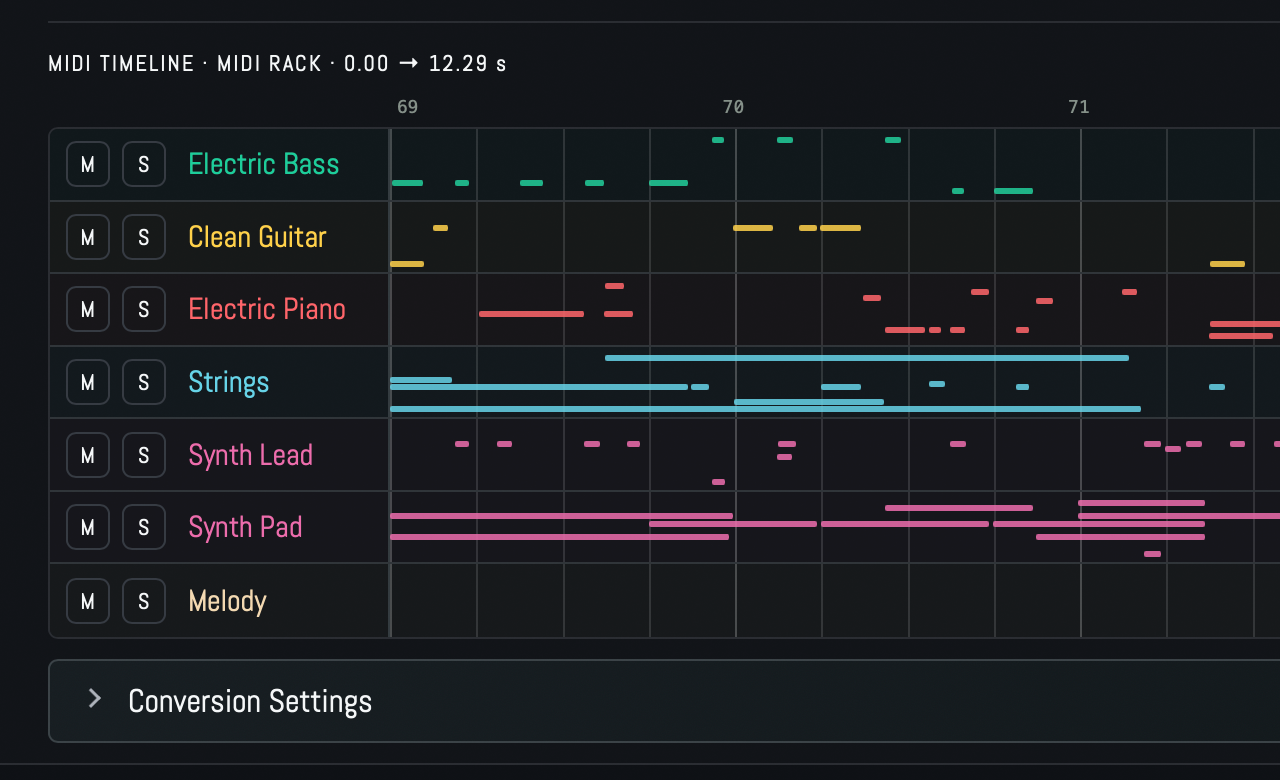
MIDI Rack: For loops, dense arrangements and whole mixes. AUTUMI detects notes and instrument classes together and sorts them into up to nine MIDI lanes with matching General MIDI programs. Lanes are renamable, mutable, soloable, and exportable one by one or all at once. If a mix contains more instruments than fit into nine lanes, nothing is thrown away: the complete detection is saved next to the export.
Feature list
- Six detection modes: drums, bass, guitars, keys, synths and whole mixes.
- MIDI Rack: a mix becomes up to nine aligned MIDI lanes.
- Three ways in: drag a region from the timeline, import a file, or capture the track.
- Bars, not seconds: results follow your project's tempo and time signature.
- Listen before you commit: original, MIDI or both, with a built-in General MIDI sound generator.
- Sensitivity controls per mode, with individual adjustments for drum groups.
- Three exports: single lane, all lanes as separate tracks, or one merged MIDI file.
- Nothing gets lost: every detected note is kept, even beyond the nine visible lanes.
- Session memory: sources, results and settings live in your project and come back when you reopen it.
- Runs locally on Apple Silicon. No audio uploads, ever.
Good to know
AUTUMI transcribes notes. It does not separate audio into stems, so the MIDI Rack cannot give you isolated audio of each instrument, only the MIDI. It returns what was played, not how: no tablature, no string or fret numbers, no articulations. Detection quality is highest on clean, isolated tracks;
dense mixes work, and the more instruments overlap, the more you will want to tidy the result. AUTUMI keeps the original timing. Quantizing is your DAW's job, and you decide how much of the human feel to keep.
Compatibility and requirements
- macOS 15 or later on Apple Silicon
- Audio Unit and VST3 [AAX for Pro Tools to follow]
- Tested with Logic Pro, Universal Audio LUNA and Ableton Live
- Storage: about [1.2 GB] for the detection models plus the AUTUMI runtime