>/ ACENTAUR
Basic Workflows
There is no single way through ACENTAUR.
Start wherever the music is, and go wherever it needs to go.
Session Player
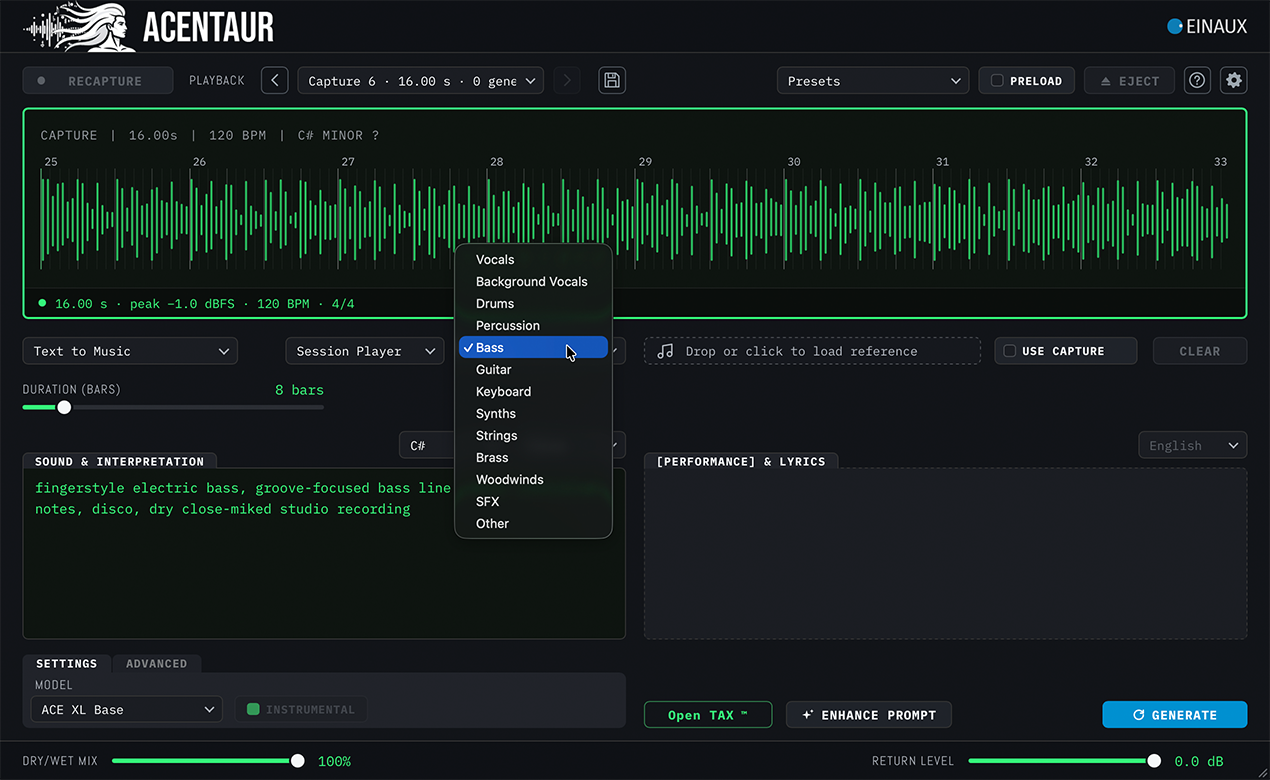
Create the first take: Session Player will deliver Drums, Bass, Guitar, Keyboard, Vocals – and ACENTAUR based on your ideas and moods. Composer makes a whole piece from your description, with the Arranger planning it before a note is played.
Seemless DAW integration
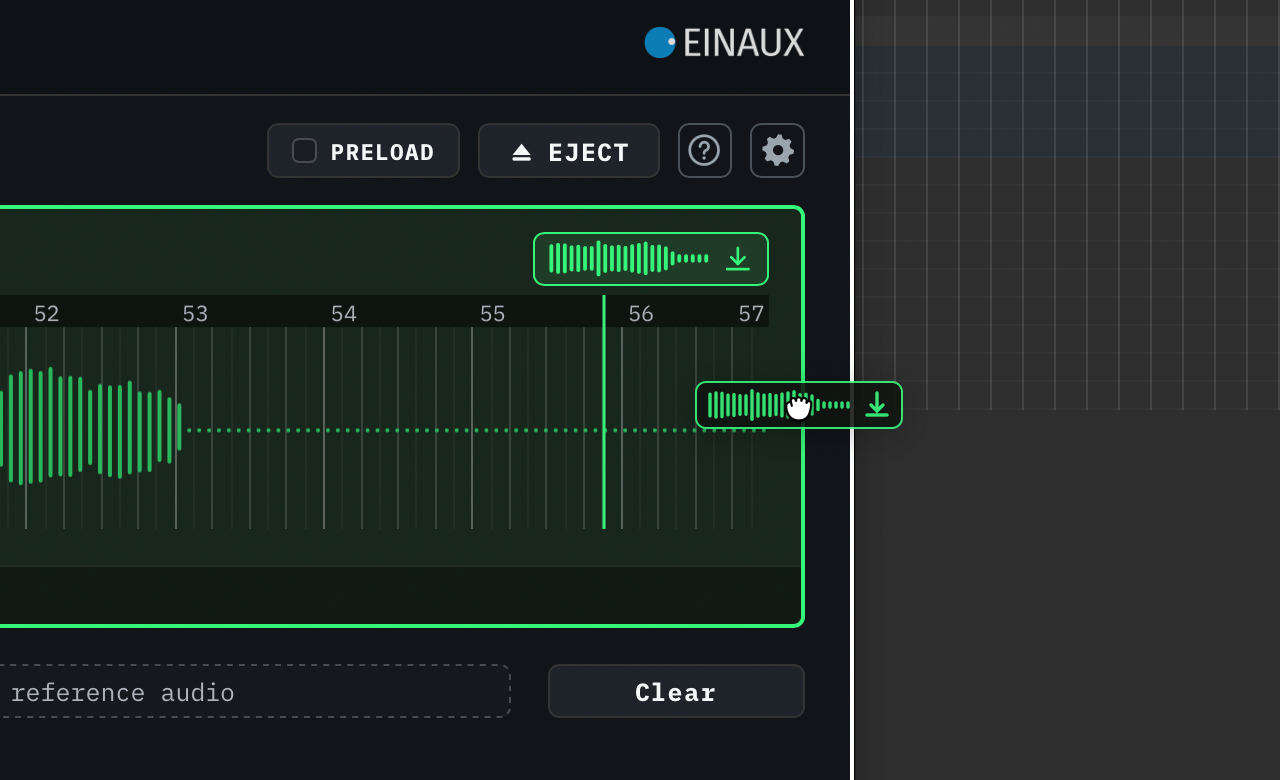
Hear it where it belongs: Audition every candidate against the current mix or listen to it on its own. Compare alternatives before anything becomes part of the production. Drag generated files directly onto the arrangement or track window and tweak, edit or transform them like any other audio files in your mix.
Add Layer
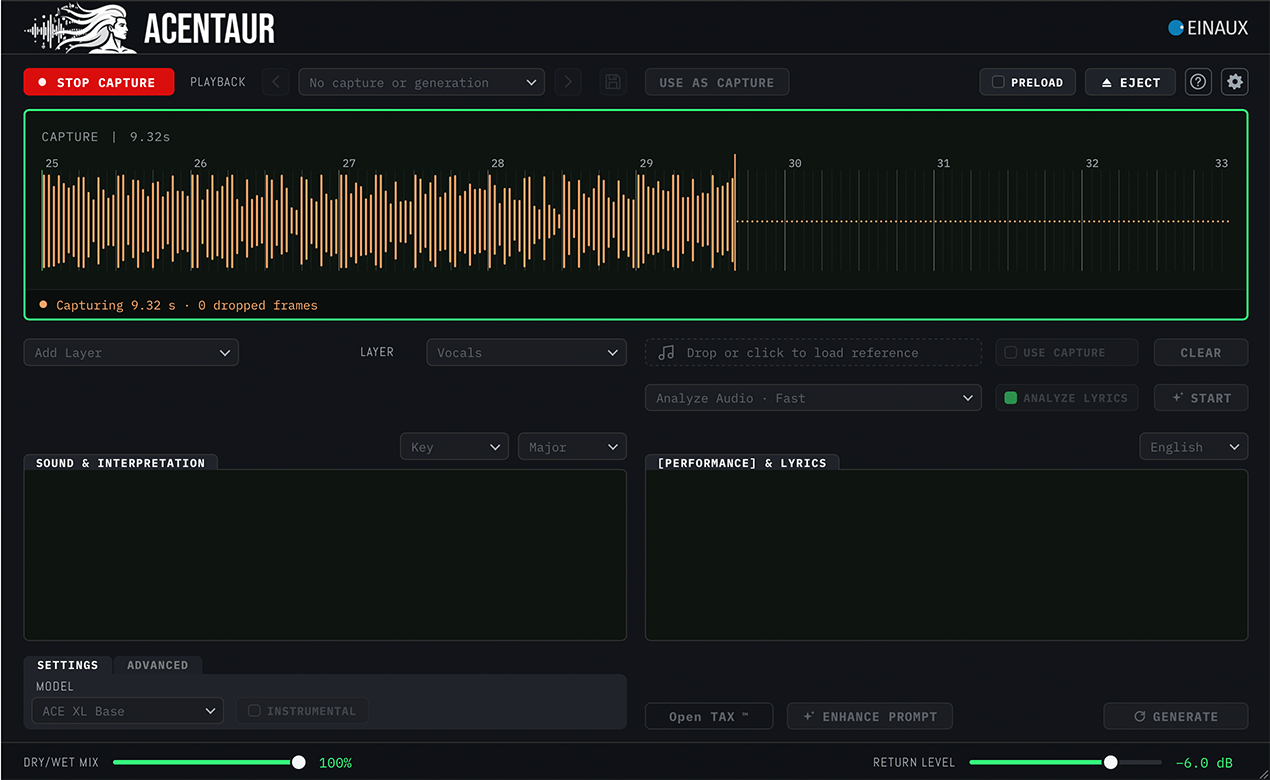
Start with the music, not an empty page: Capture a section directly from a track or bus of your session. ACENTAUR keeps the musical context, tempo, meter and timeline position connected to the task ahead. Your generated audio will always play back from the right spot. Drag and drop any audio file directly onto the wave display either from your arrangement window (Logic only) or from your hard drive. A previous generation can also be used for further processing.
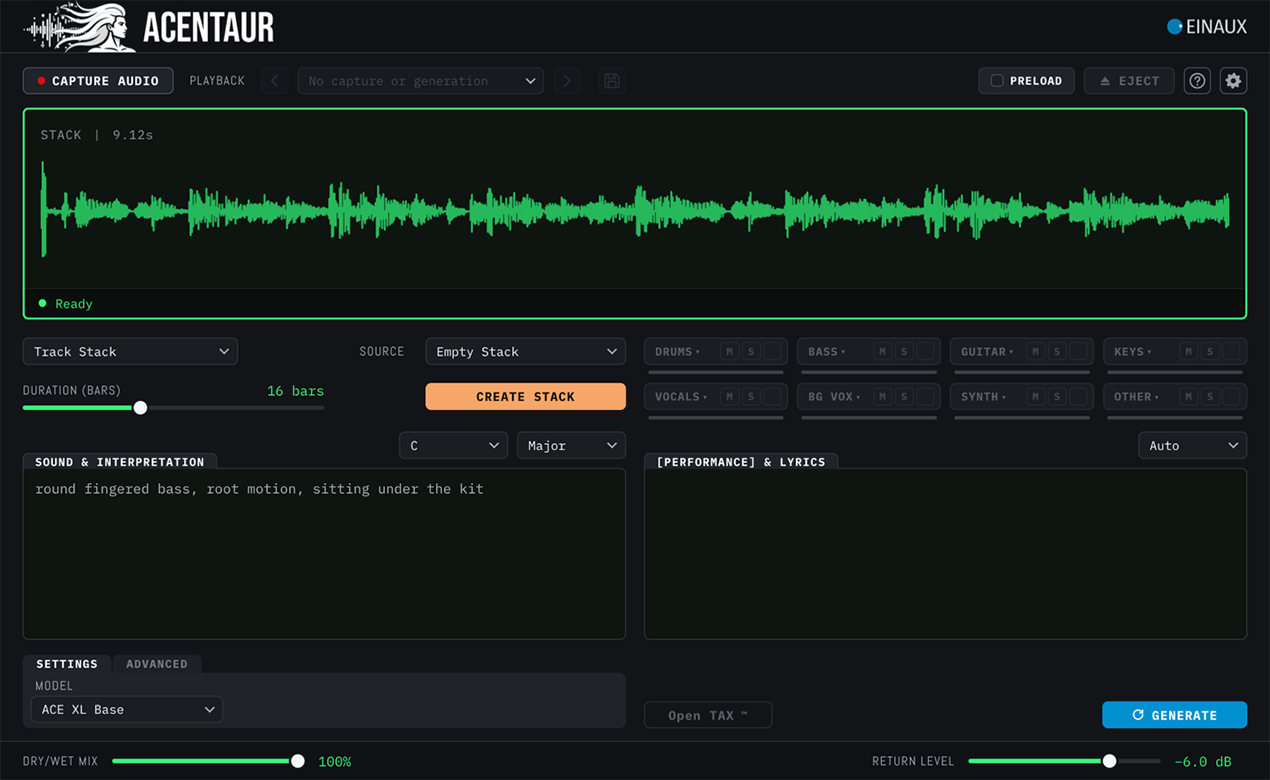
Track Stack
One decision becomes the context for the next: Accept what works and let it become part of the Track Stack. Every accepted track changes the musical context for the next generation, so the arrangement develops step by step. Craft your Music with your expertise, instead of prompting one finished answer.
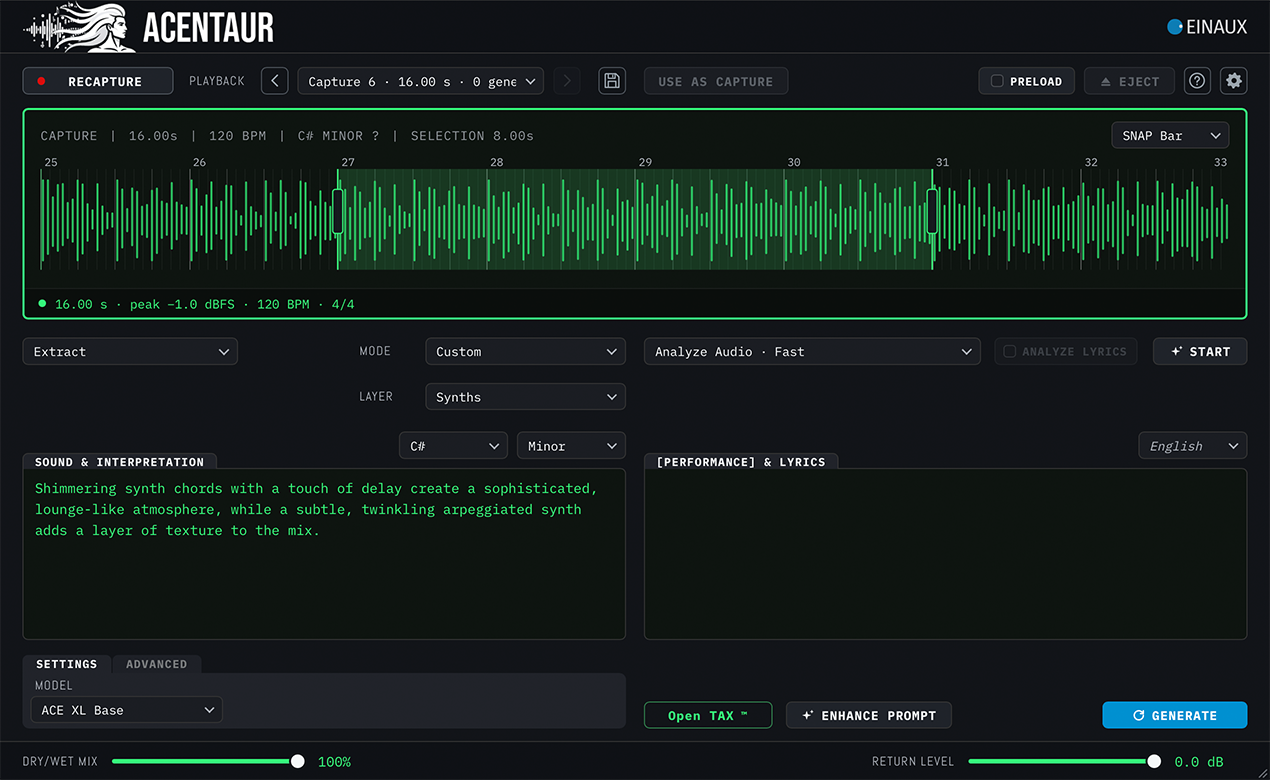
Extract
Take one part out of a Capture or a Generation: the lead vocal, the drums, the bass. It is not stem separation. A separator cuts the mix apart and leaves holes where the other parts were. Extract listens to the whole mix and performs the part again, filling in what the mix covers up.
Cover/Remix
Change and Transform: Create or remix any audio file or newly generated track. Select the part you want to change: try different lyrics or different styles (available in Repaint and Retouch). You can use Reference Files to further sculpt the generations to your liking: just drag any audio or MIDI region from the arrangement to guide ACENTAUR in the right direction (*see limitations).
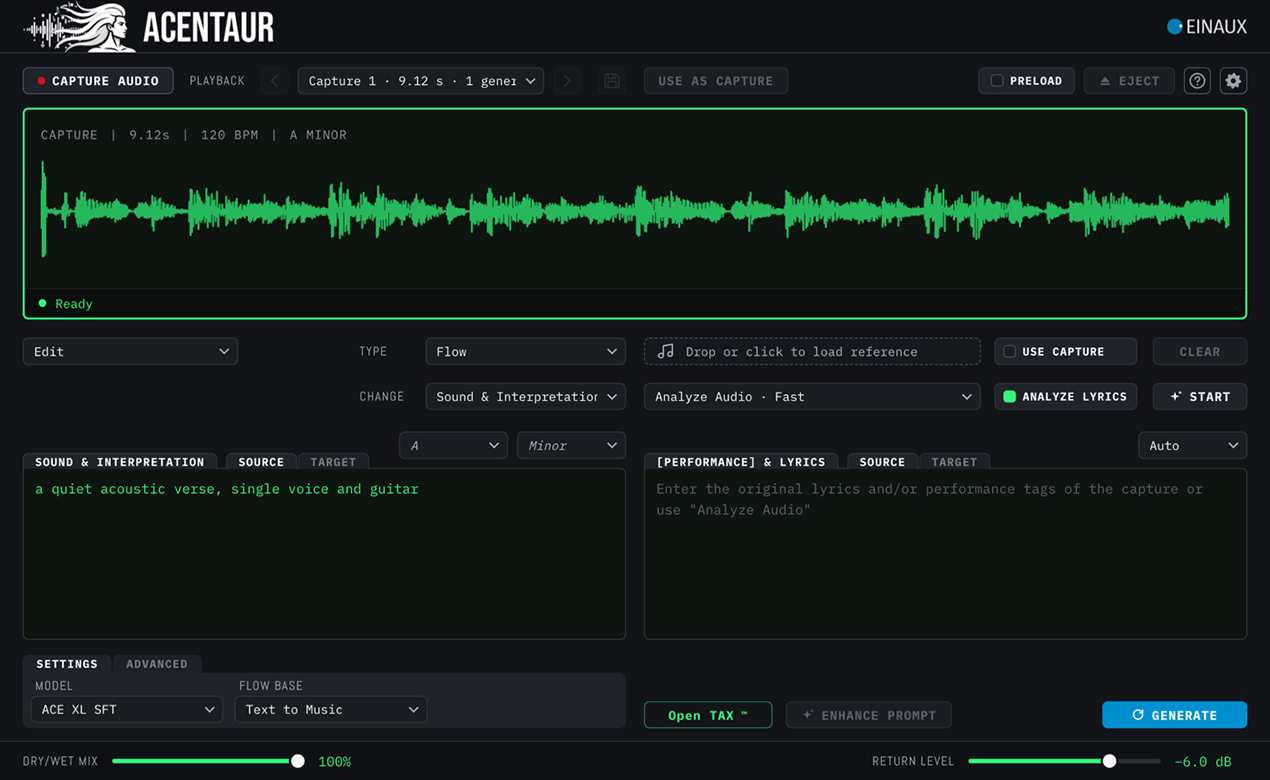
Edit
Edit works on existing audio in three ways: Repaint replaces a selected passage and keeps its surroundings as context. Retouch reshapes character, performance or production while keeping what is useful in the source. Flow moves from a described starting point to a described destination.
TOOLS
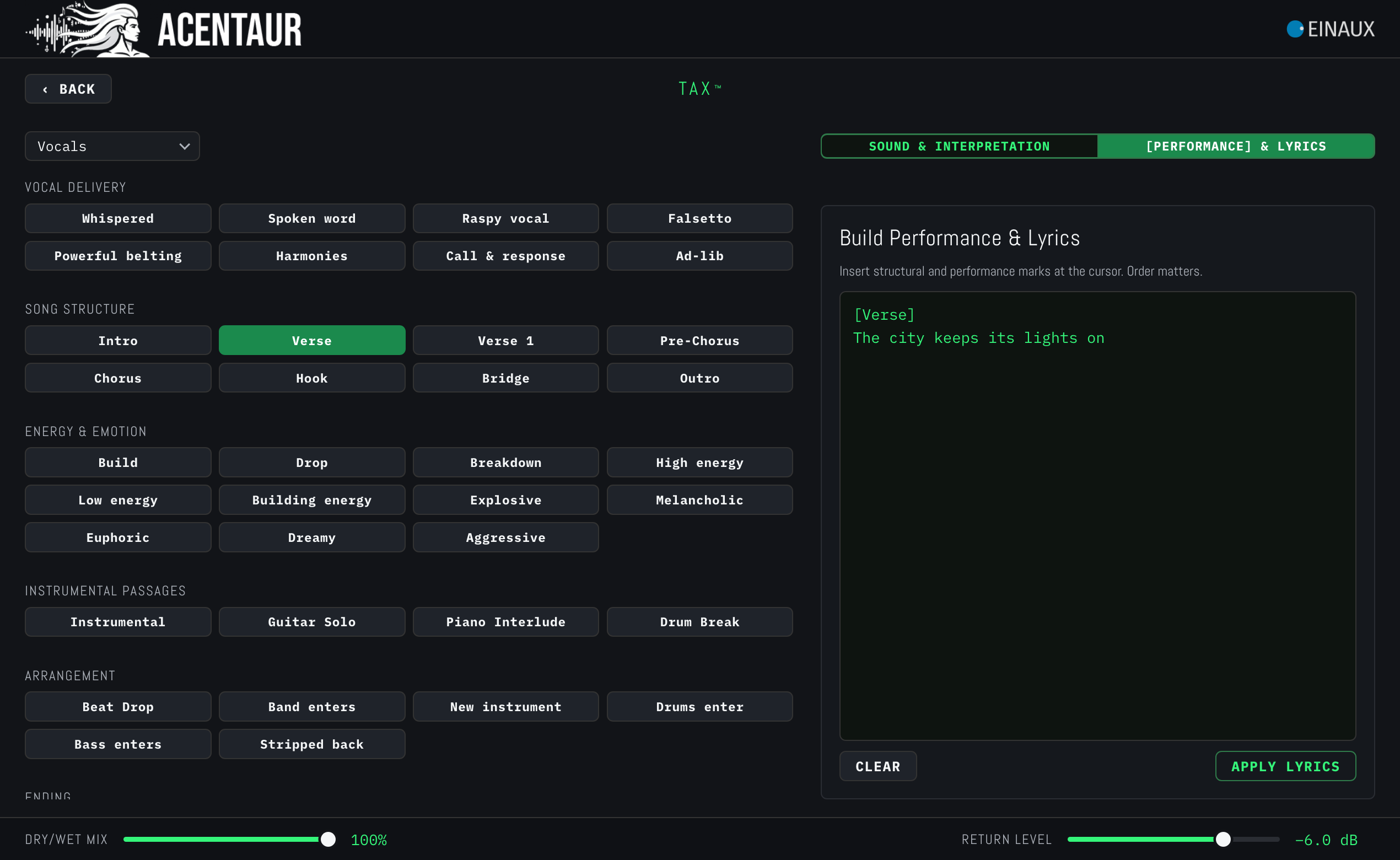
ACENTAUR TAX™
Select your Tags: ACENTAUR lets you control Timbre, Articulation & eXpression without writing prompts. TAX™ is an instrument-specific, constraint-aware Tag Matrix that turns musical choices into model-ready prompts and combines them with the audio context of your DAW. Think of it like register levers of an old synthorgan where you cannot select harpsichord and drums at the same time.
Understand
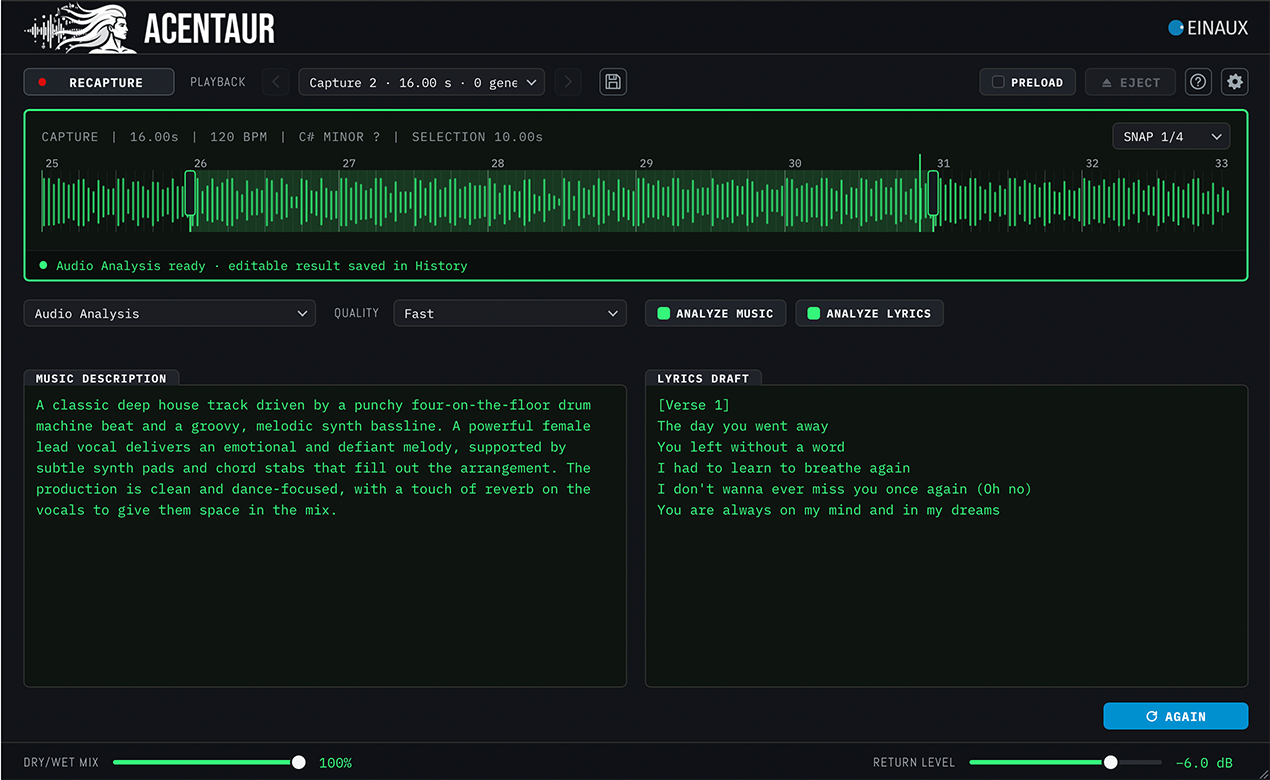
Turn audio into musical language: Music Analysis can describe a recording or recover its sung and spoken lyrics. Use the result as an editable starting point for a prompt, a project note or the next production decision.
>/ Find out more about Music Analysis
Return, remember, iterate.
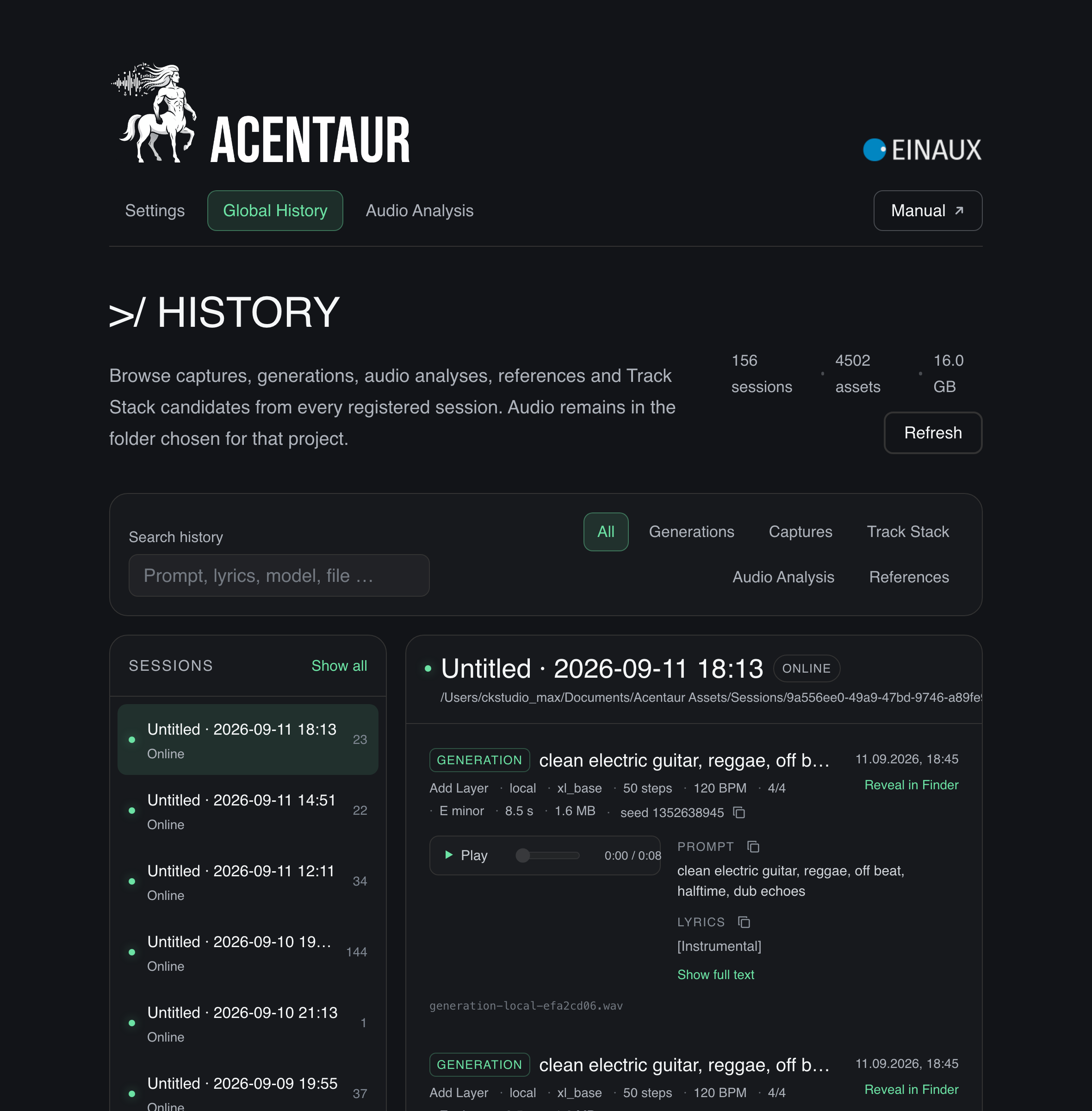
Every idea leaves a trail: Global History brings together captures, references, generations and Track Stack candidates from every registered session. Search by prompt, lyrics, model or file, audition previous results, copy their text or reveal the original audio in Finder. Your audio remains in the folder chosen for the project. History helps you find it without turning the creative process into file management.
>/ Find out more about Global History