
>/ ACENTAUR
More power. Same workflow.
With its built-in networking capabilities you can assign a second Mac with Apple Silicon in your local network as a Render Server to do the heavy lifting without using the resources of the Mac hosting your DAW. Use this setup either for running your DAW on a less well equipped Mac, when you have large Sample Libraries in your session or when plugins with heavy DSP demand are running.
ACENTAUR Net runs in the background without opening a DAW on the Render Server. Captures and the remotely generated WAV files are automatically transferred from and to the ACENTAUR instance connected to ACENTAUR Net in your DAW.
Locally. Worldwide.
When you are on the road, you can work via Tailscale to do the AI generations on your stationary Mac at home or in your studio while you're jamming with your MacBook Air at the beach. Yes, you read that right 😉
Learn more about using Tailscale here: www.einaux.com/acentaur-net-tailscale
Less config, more music.
Assign the dedicated Mac to ACENTAUR Net in its own settings with one click, activate ACENTAUR Net in the plugin to use the capacity of the Render Server and start making music.
Note: ACENTAUR needs to be installed and activated on both machines with a valid license. While the models (Stable Audio and/or ACE) have to be present on the rendering Mac, the Mac with the DAW running the plugin can also be used without any models installed to save SSD space.
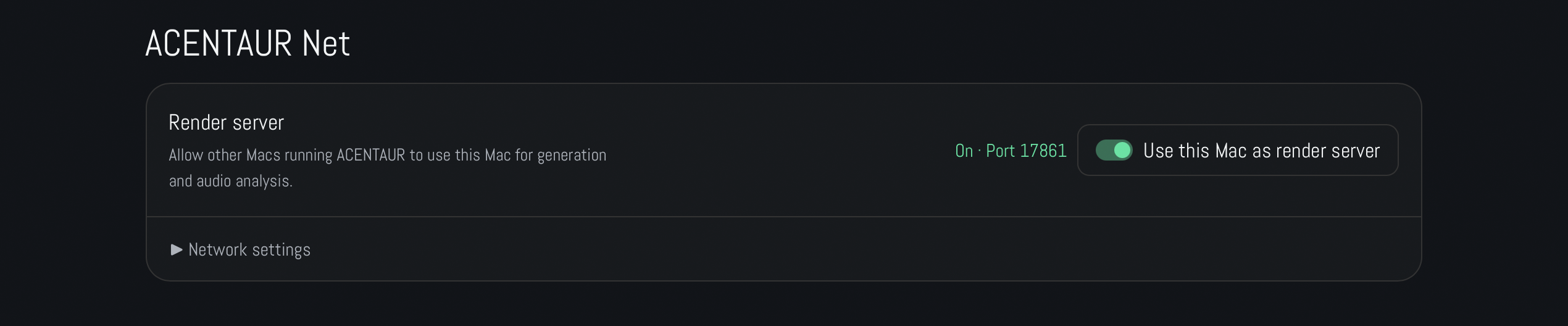
1. Assign a Mac with activated ACENTAUR as server

2. Activate ACENTAUR Net in the Plugin.
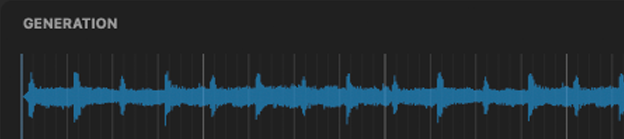
3. Generate your audio.